How To Delete Your Account
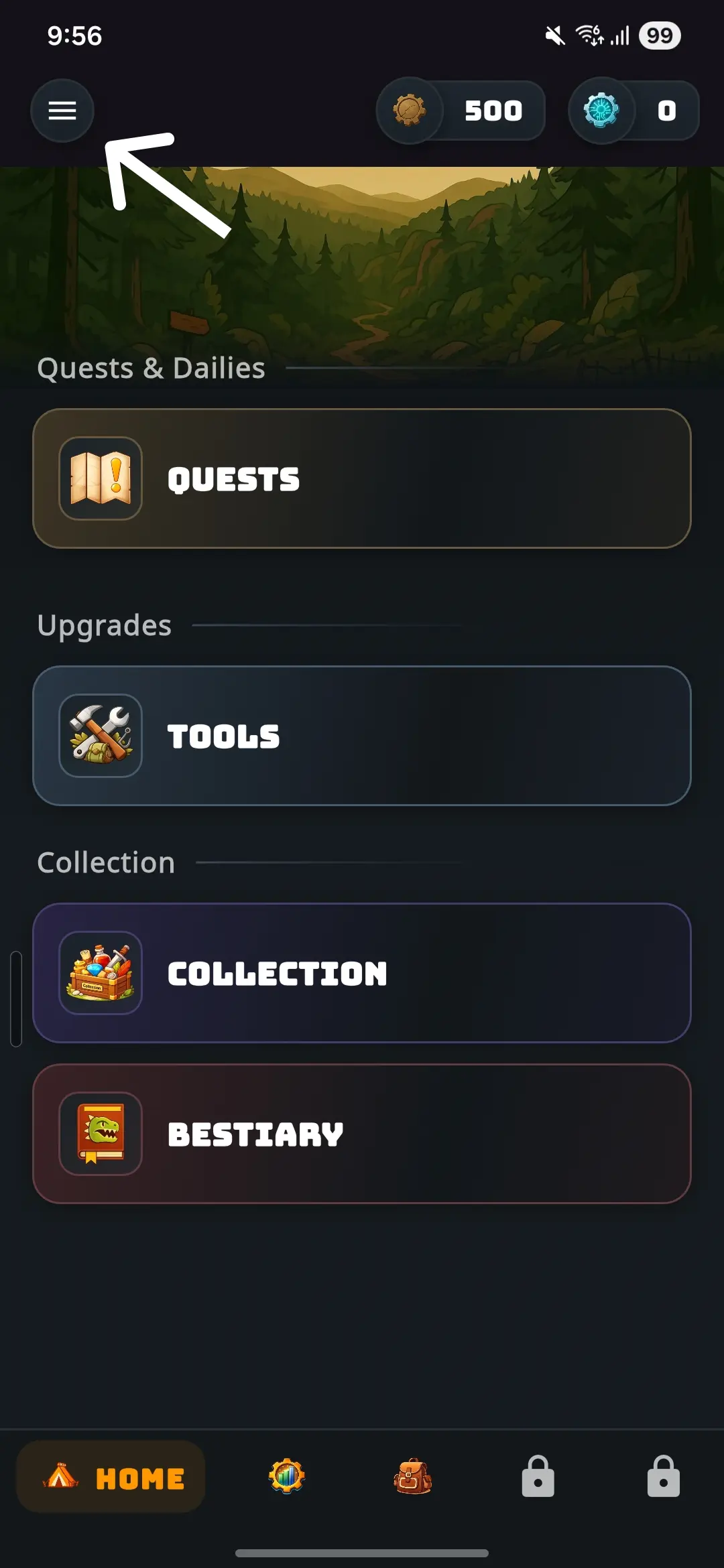
- Open Wasteland Revenant.
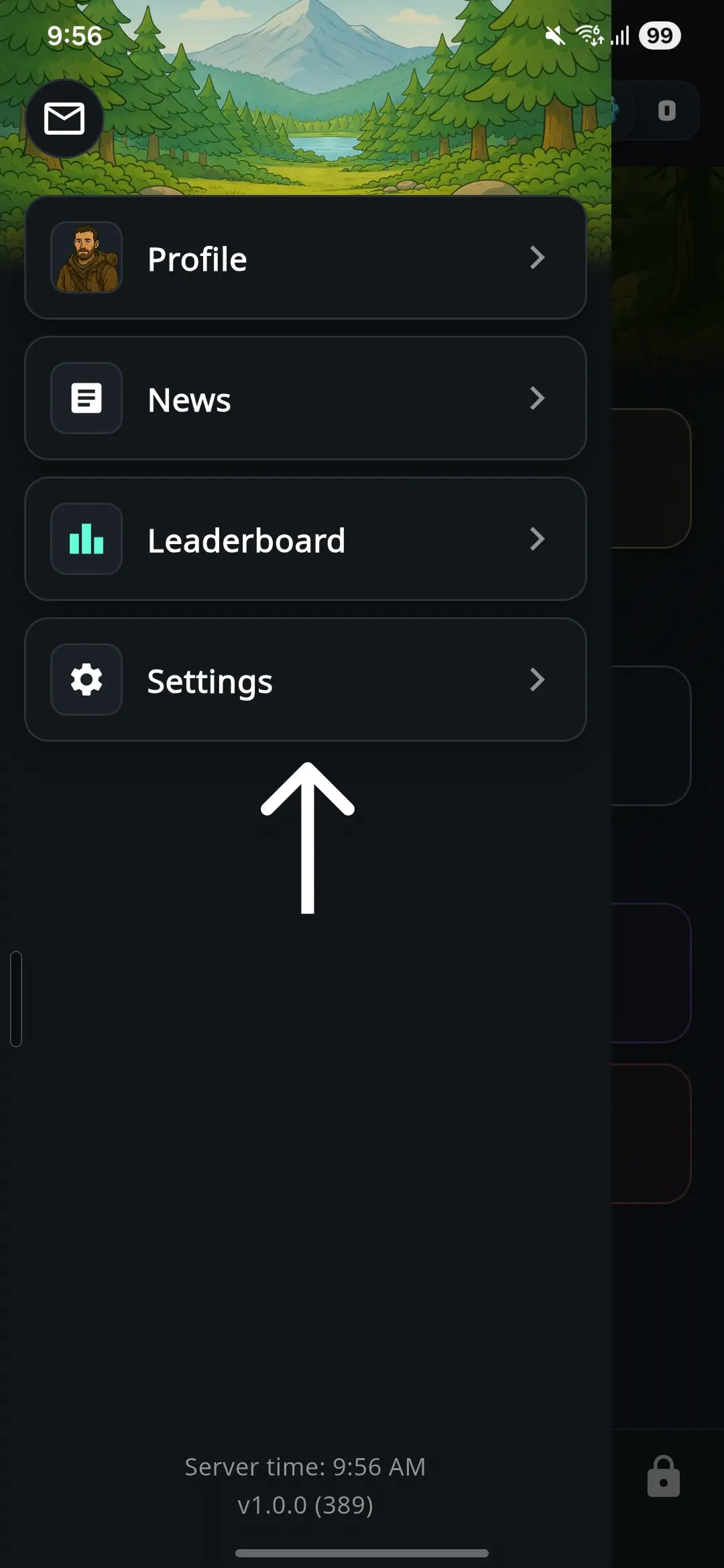
- Open the hamburger menu in the top-left corner.
- Select Settings.
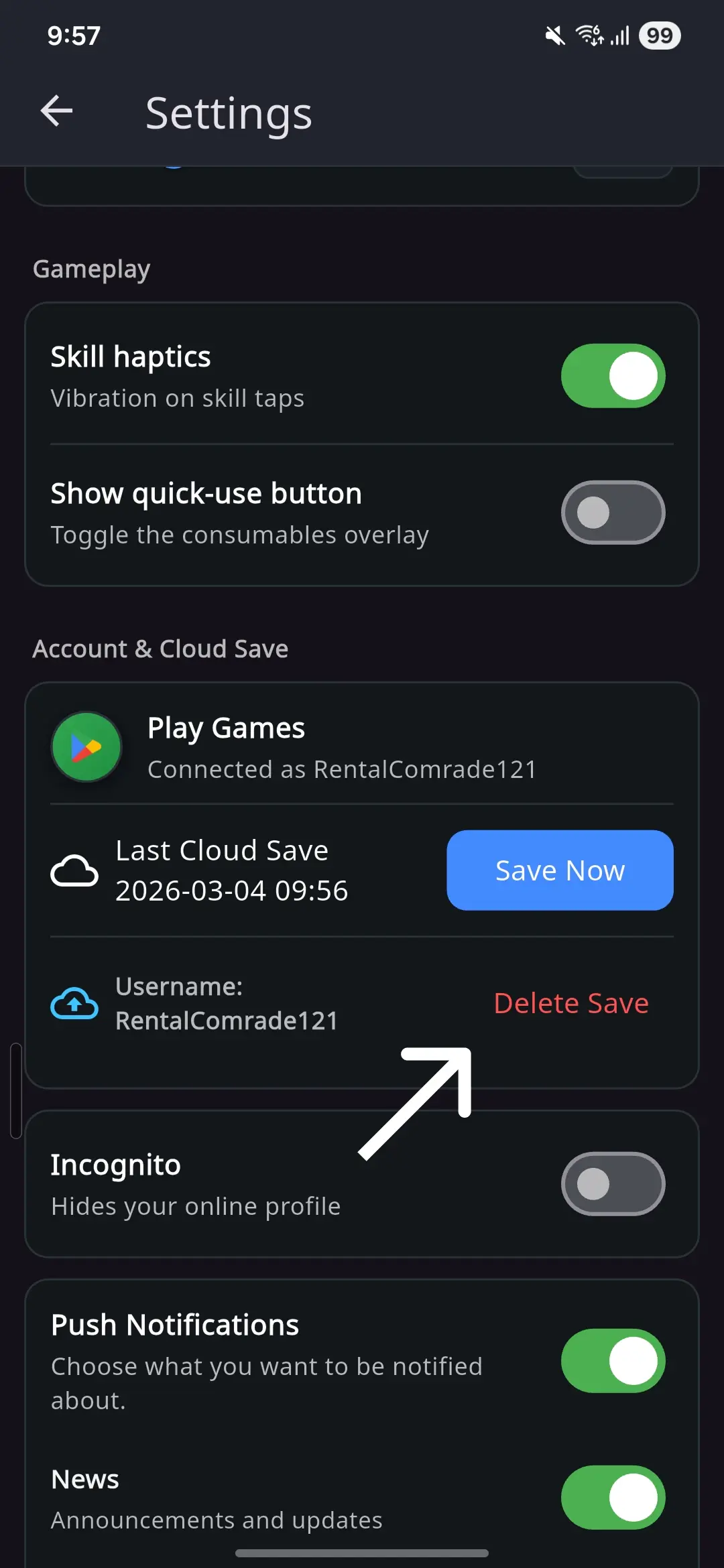
- Scroll down to the Cloud Save section.
- Tap Delete Save.
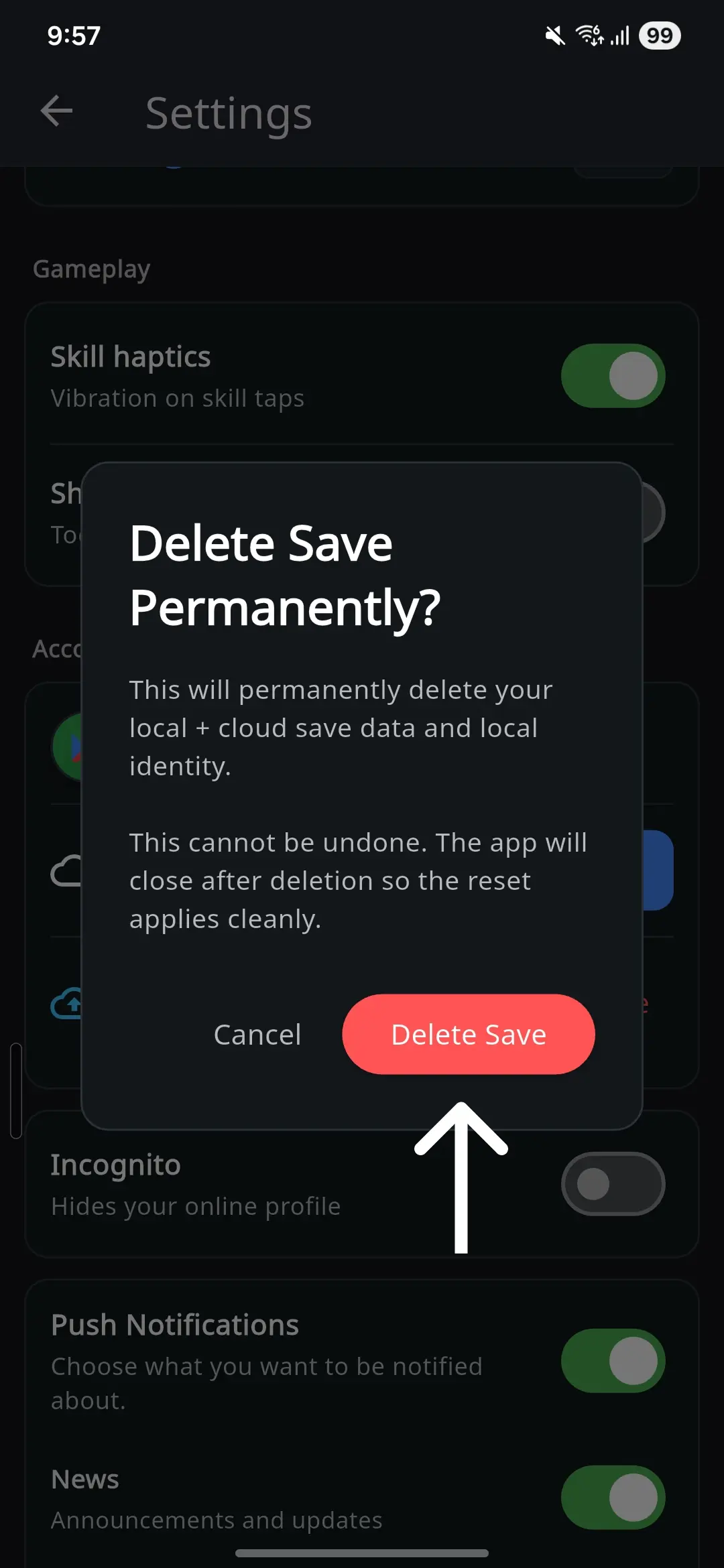
- Confirm the deletion in the confirmation dialog to permanently delete the account data.
This action deletes all account information from both your device
and server storage. This cannot be undone.